GitHub deploy monitoring
for every push
Connect your repo. Loupe screenshots and analyzes your site after every push, then tracks whether each change helped or hurt your metrics.
Already ran an audit? Connect GitHub to auto-scan every push.
Set up GitHub deploy monitoring in 2 minutes
From zero to deploy-triggered scanning. No code changes needed.
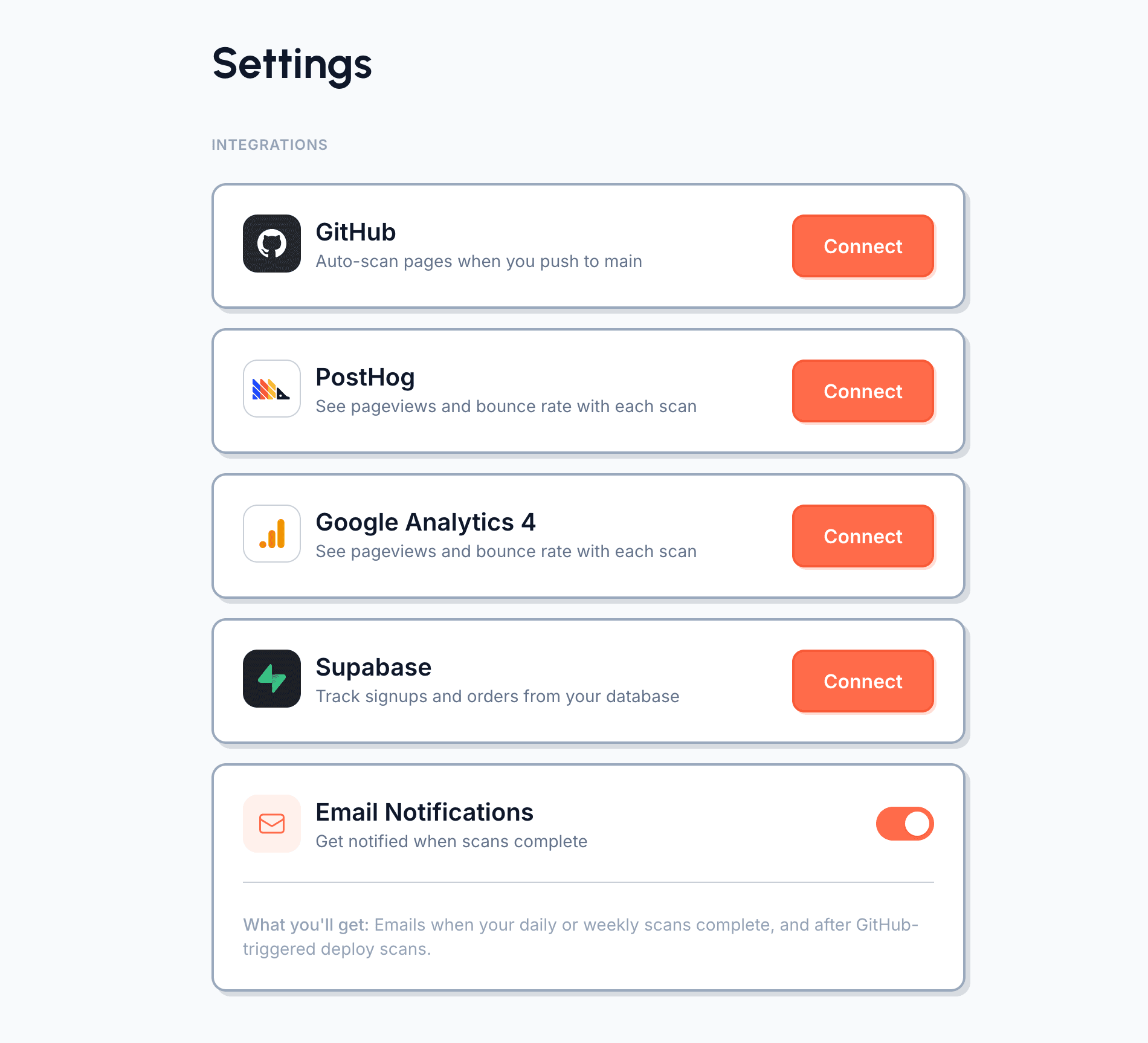
Go to Settings → Integrations
Open your Loupe dashboard and head to Settings. You'll see a GitHub section with a Connect button.
Install the Loupe GitHub App
Click Connect and you'll be redirected to GitHub. Choose which repositories to give Loupe access to. We only request push event access — we never read your code. Once installed, you're redirected back to Loupe with your account connected.
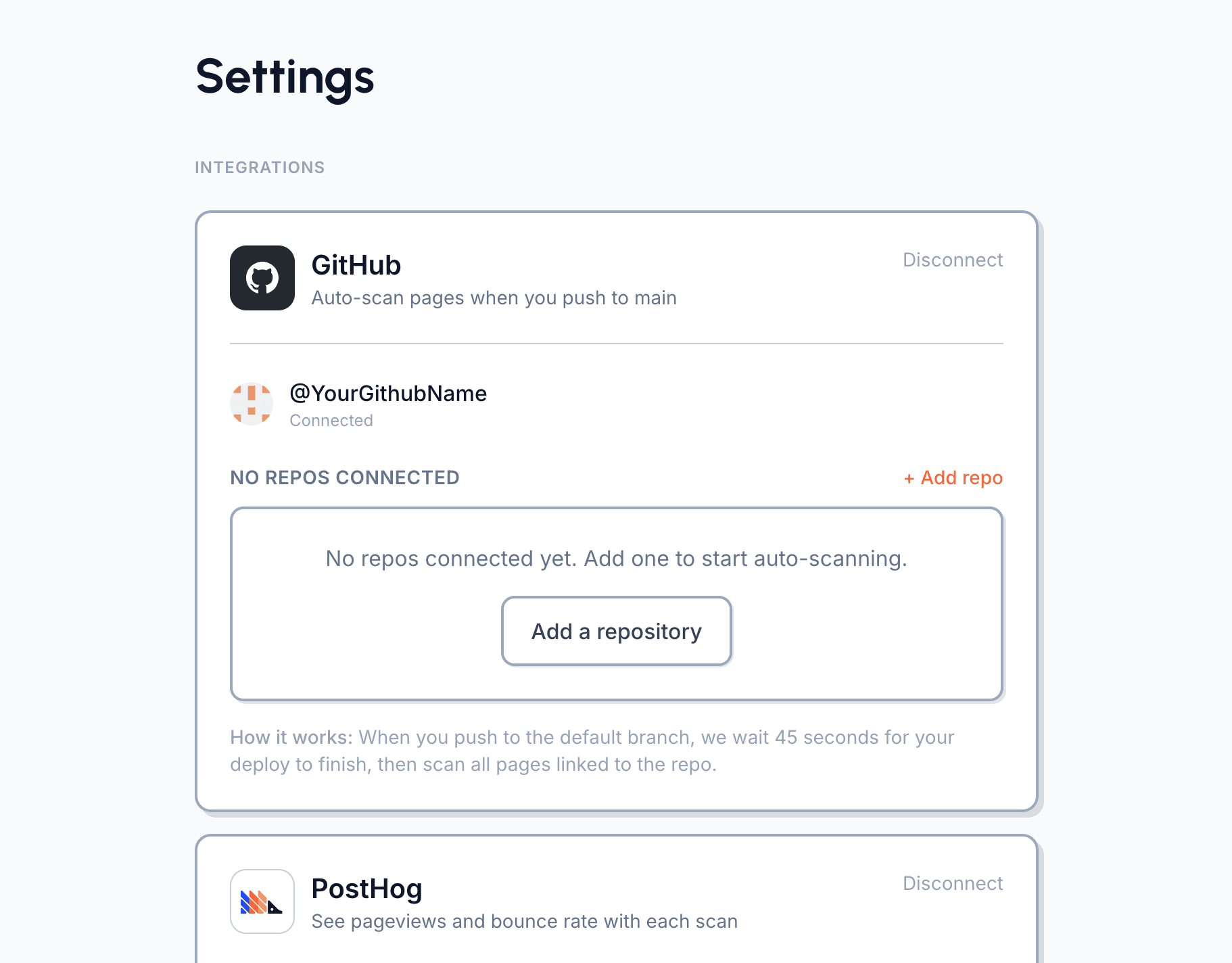
Connect a repository
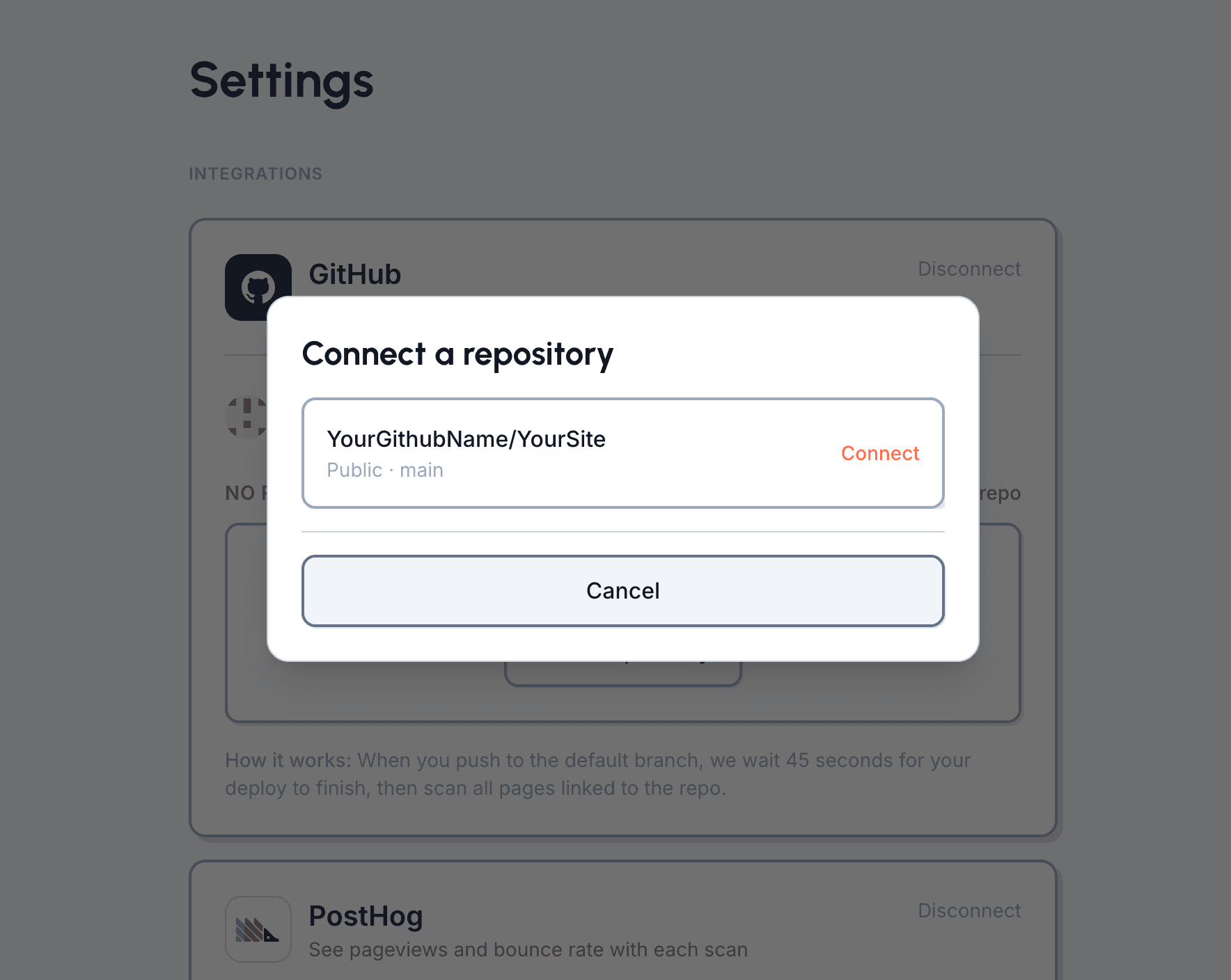
Click "Add repo" to open the repository picker. It lists every repo you gave Loupe access to during installation. Pick one and Loupe creates a webhook on that repo's default branch.
Ready to connect your repo?
What permissions does the app need?
Push event access only. Loupe does not read your source code, issues, or pull requests.
How long after a push does the scan run?
Loupe waits around 45 seconds for deploy completion, then scans. If deploy is still running, retries handle longer build times.
Why didn't a scan run after I pushed?
Check that the connected repo matches the one you pushed to, and that the push was to the default branch. Also confirm the GitHub app is still installed for that repo in GitHub settings.
Do monorepo backend-only pushes trigger unnecessary scans?
Usually no. Loupe checks changed files and skips scans when a push is unlikely to affect monitored pages.
I renamed or transferred a repo. What should I do?
Reconnect the repository in Loupe settings so webhook and integration state are refreshed for the new repo path.
Can I disconnect anytime?
Yes. Remove the app in GitHub or disconnect in Loupe settings. Existing scan history remains available.
What does it cost?
GitHub can be connected on any paid plan, while deploy-triggered scanning requires Pro ($39/month) or Scale ($99/month).